
WTE PLC Simulator and Configuration Software
The WTE PLC Simulation and Configuration Tool is a free to use Windows PC application that allows simple ladder logic programs to be developed, simulated and single step debugged. This tool is very simple to use and can be used as an entry level introduction to PLC programming without the need for any connected hardware.
The tool simplifies the process of programming the WTE TReX-PLC. Access is provided to all available PLC resources common to WTE automation products. Addition of comments and meaningful I/O annotations makes ladder logic programing intuitive, easier to maintain and develop. This software has been developed by Wireless Technologies.
The tool simplifies the process of programming the WTE TReX-PLC. Access is provided to all available PLC resources common to WTE automation products. Addition of comments and meaningful I/O annotations makes ladder logic programing intuitive, easier to maintain and develop. This software has been developed by Wireless Technologies.
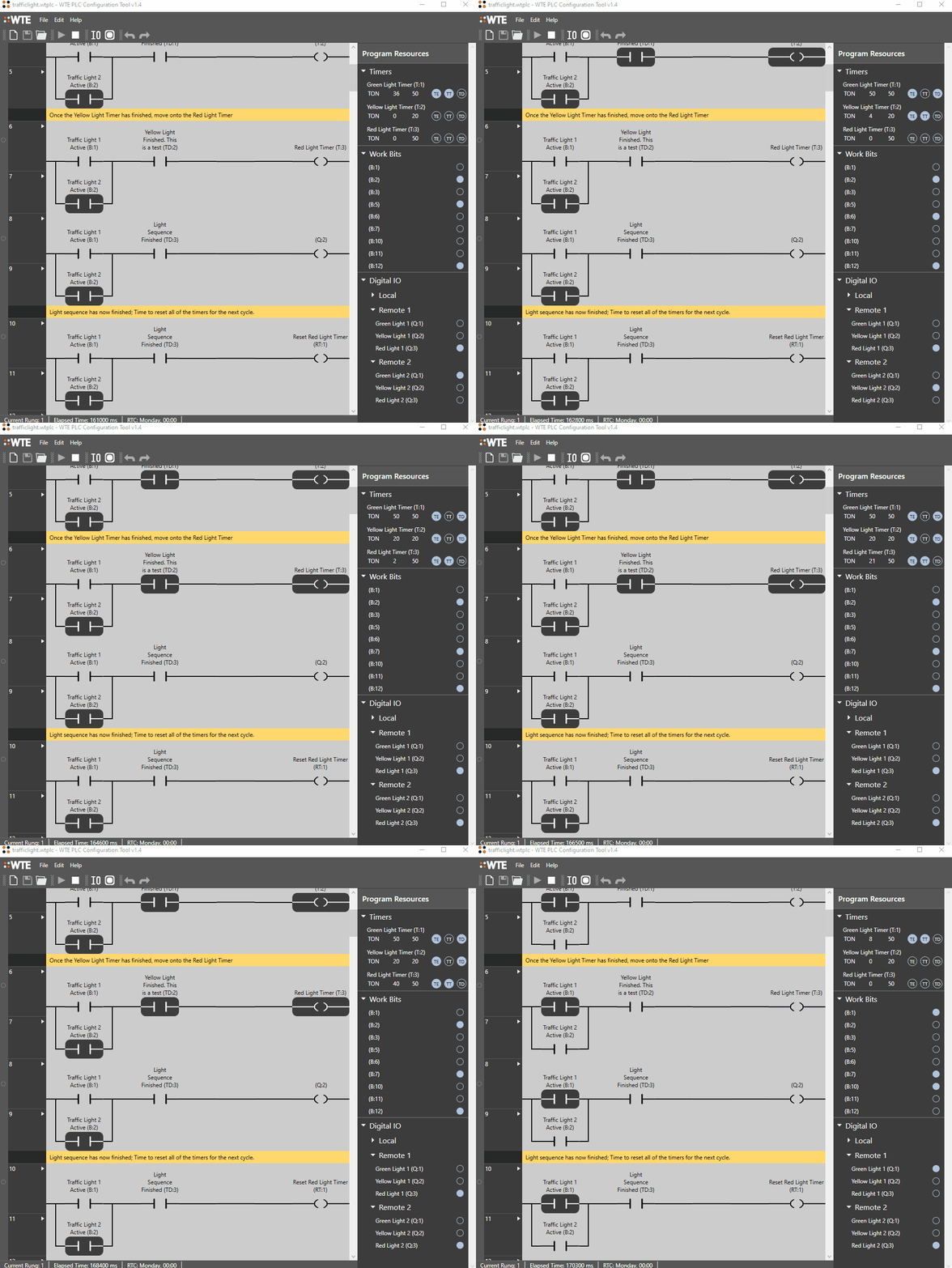
WTE PLC Simulator and Configuration Tool
|
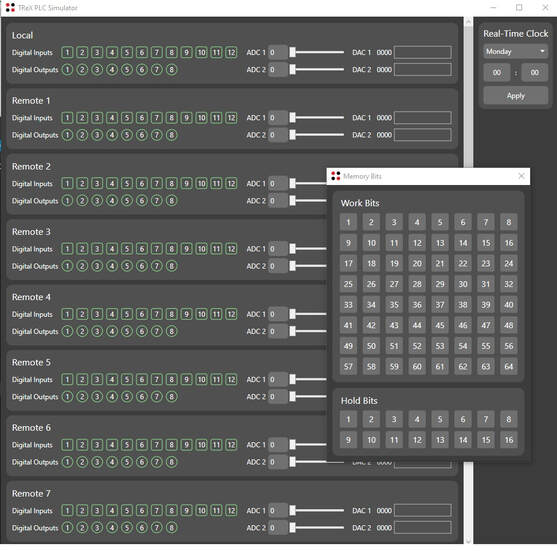
The WTE PLC Simulator allows read/write access to all PLC IO
|
WTE PLC Simulator Instructions for Use
Instructions for use of the PLC configuration and simulation tool is in the TReX-PLC manual (section PLC Configuration Tool). The PLC simulator installation includes many example projects, such as the traffic light controller example shown above.
Introduction Video on Using the PLC Simulator here.
Introduction Video on Using the PLC Simulator here.
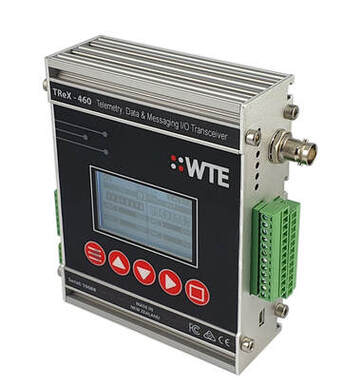
All WTE PLC simulator programs operate directly on the TReX-PLC without modification.
PLC and Radio Products
Need affordable, high power radio automation gear? WTE designs a range of secure telemetry, messaging (POCSAG, DMR, MQTT and SMTP) and PLC automation radio products. Our equipment is used around the world for urgent messaging, secure control, wireless automation and IoT sensor applications.
The TReX-PLC runs all WTE PLC simulator programs, and includes:
Check out the full range of WTE Radio Products for your simplest control and automation projects.
The TReX-PLC runs all WTE PLC simulator programs, and includes:
- High power secure radio links
- Data logging
- Digital and Analog IO
- Secure Ethernet
- Spectrum analyser
- PLC Controlled direct messaging via:
- POCSAG paging and DMR
- MQTT Broker
- SMTP emails
- RS232 serial or TCP
Check out the full range of WTE Radio Products for your simplest control and automation projects.
PLC Simulator Free Download
Download our latest FREE PLC and ladder logic simulator here. Unrestricted use for training or professional use. Simulate and debug your systems and operate on our WTE PLC hardware.

|
- Update to allow renaming of individual timer and counter attributes.
| ||
Release Archive
|
- Improved clarity of nested branch connections.
| ||
|
- Improvements to Analog output tracking.
| ||
|
- Updates to saving of output settings.
| ||
|
- Updated Analog outputs to hold last set value.
| ||
|
- Improved handling of parallel outputs.
| ||
|
- Updated bundled runtime dependencies.
| ||
|
- Undo/Redo performance improvements.
| ||
|
- Added support for analog output control
| ||
| wte_plc_simulator_install_v1-9.msi |